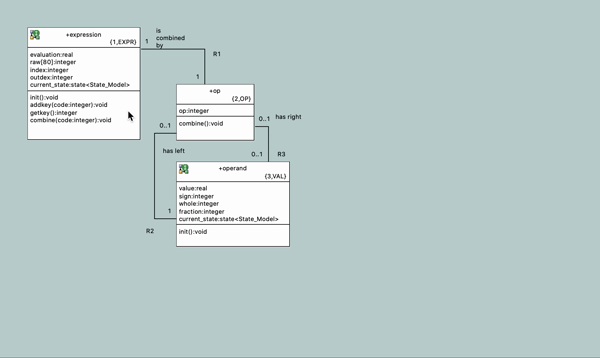
BridgePoint lets modelers add color to model elements. Lines can be colored, and shapes can be filled, providing another way to communicate information in a model.
A class's color is retained when it is imported into another subsystem. Model elements can also be organized into layers, which can be shown or hidden as needed.